Context API in Next.js 13 with Best Practices and Clean Code
Next.js 13 has brought in several new features that enhance the developer experience. In this article, we’ll delve into how to effectively integrate the Context API in a Next.js 13 app, focusing on a real-world example: a Dark Mode Toggle.
Understanding the Context API in Next.js 13
Context provides a way to pass data through the component tree without having to pass props down manually at every level.
Setting up the Dark Mode Context
Our goal is to have a global toggle that switches the theme of our app between dark and light modes.
1. Define the Context:
In ThemeContext.ts, we define and export the context. We also set up a default context which is beneficial for type safety and understanding the shape of our context:
import { Dispatch, SetStateAction, createContext } from "react";

export interface ContextType {
  darkMode: boolean;
  setDarkMode: Dispatch<SetStateAction<boolean>>;
}

const defaultContext: ContextType = {
  darkMode: false,
  setDarkMode: (status: SetStateAction<boolean>): void => {},
};

export default createContext<ContextType>(defaultContext);
2. Create a Provider Component:
The ThemeProvider.tsx serves as the component wrapping parts of our app where we want the theme data accessible:
"use client";
import { ReactNode, useState } from "react";
import ThemeContext from "./ThemeContext";

export const ThemeProvider = ({ children }: { children: ReactNode }) => {
    const [darkMode, setDarkMode] = useState<boolean>(false);
    return (
        <ThemeContext.Provider value=>
            {children}
        </ThemeContext.Provider>
    );
};
3. Accessing the Context:
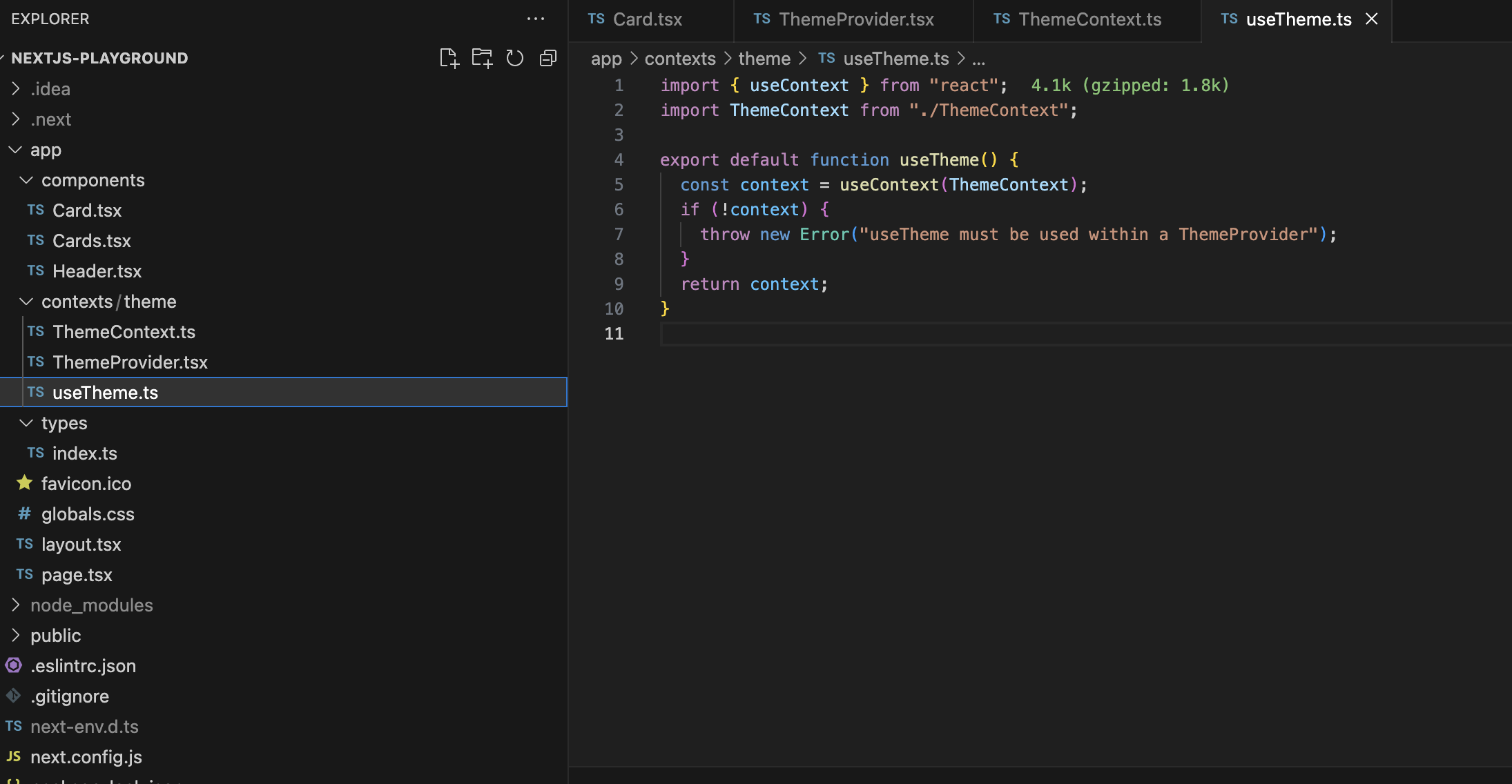
For better abstraction and error handling, we create a custom hook named useTheme.ts. This hook abstracts the context retrieval and provides a clear error message if used outside the provider:
import { useContext } from "react";
import ThemeContext from "./ThemeContext";

export default function useTheme() {
  const context = useContext(ThemeContext);
  if (!context) {
    throw new Error("useTheme must be used within a ThemeProvider");
  }
  return context;
}
Implementing the Dark Mode Toggle
Header Component: The Header.tsx component contains a button to toggle between the dark and light modes:
"use client";
import useTheme from "@/contexts/theme/useTheme";

const Header = () => {
  const { darkMode, setDarkMode } = useTheme();
  const className = darkMode ? 'bg-black text-white' : 'bg-white text black'
  return (
    <header className={`${className} h-20 flex items-center px-5 border-b`}>
      <button onClick={() => setDarkMode(!darkMode)}>Toggle Dark Mode</button>
    </header>
  );
};

export default Header;
Card Component: The Card.tsx component adjusts its appearance based on the current theme:
"use client";
import useTheme from "./contexts/theme/useTheme";

interface Props {
  title: string;
  description: string;
}

const Card = ({ title, description }: Props) => {
  const { darkMode } = useTheme();
  const className = darkMode ? 'bg-black text-white' : 'bg-white text black'
  return (
    <div className={`p-6 rounded shadow-lg rounded-lg ${className}`}>
      <h2 className="text-xl font-bold mb-2">{title}</h2>
      <p>{description}</p>
    </div>
  );
};


export default Card
Best Practices:
-
Separation of Concerns: Separate the context creation, provider, and custom hooks into different files for better readability and maintenance.
-
Use Custom Hooks for Abstraction: Abstract the context retrieval logic into a custom hook (like
useTheme). This makes the context easier to use and provides better error handling. -
Type Safety with TypeScript: Define the shape of your context using TypeScript. This makes your code more robust and less error-prone.
Conclusion
By integrating the Context API with Next.js 13, we can efficiently handle global states like themes. Using best practices ensures that your app remains scalable, maintainable, and less error-prone. The Dark Mode example provides a practical implementation, showcasing the power of combining Next.js 13 features with the React Context API.
You can review the full code from here: https://github.com/mustafadalga/nextjs-playground/tree/context-api